

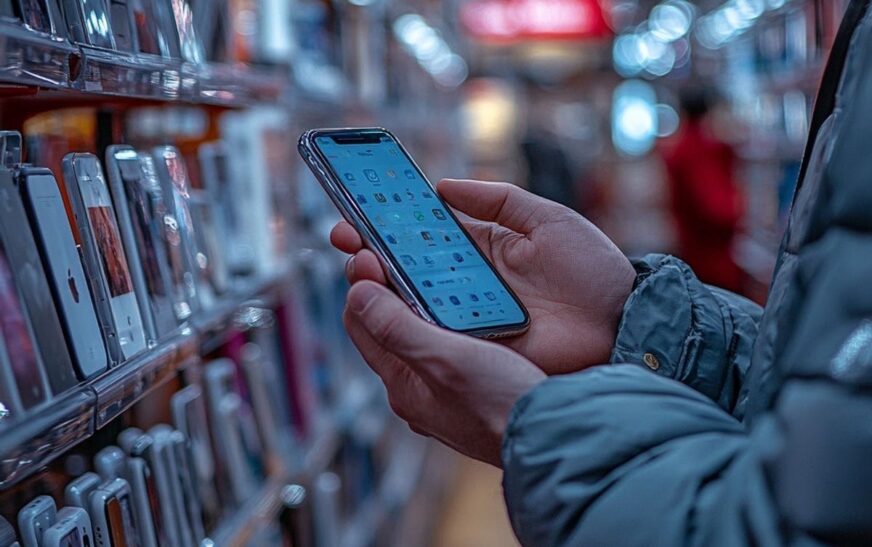
Buying a used phone can save you a lot of money, especially with smartphone prices getting higher every year. But if you’re not careful, you could end up with a device that has hidden damage, poor battery life, or even software issues.
The good news is that most bad purchases can be avoided by checking a few important things before paying.
Here’s everything you should inspect before buying a used phone in 2026.
1. Check the Phone’s Physical Condition
Start with the obvious.
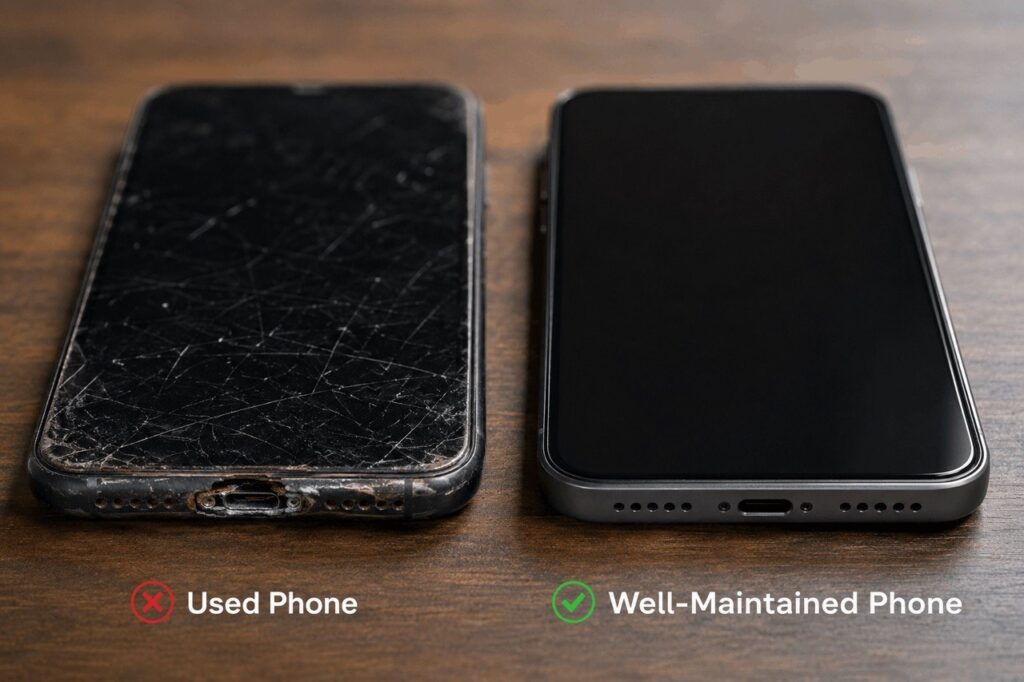
Inspect the phone carefully for:
- Deep scratches
- Cracked screens
- Camera damage
- Bent frame
- Loose buttons
- Charging port issues
Small scratches are normal, but major physical damage could mean the phone was dropped or poorly handled.
Also check whether:
- The speakers sound clear
- The vibration works
- Face ID or fingerprint unlock still functions properly
2. Check Battery Health
Battery condition is one of the most important parts of buying a used phone.
Even if the phone looks new outside, the battery may already be heavily degraded.
On iPhone:
Go to:
Settings → Battery → Battery Health & Charging
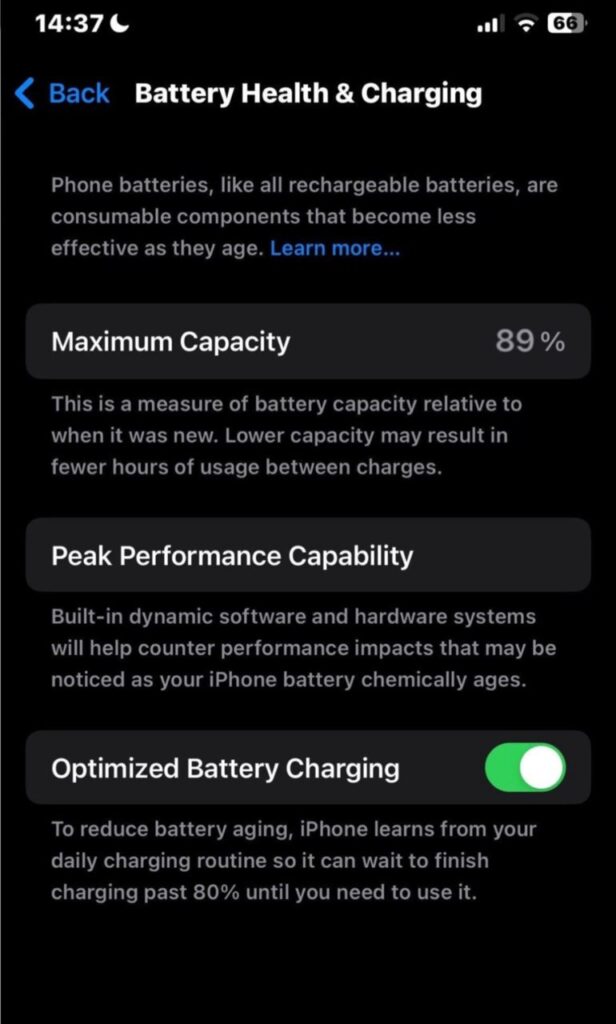
A battery health percentage above 85% is usually considered good.
On Android:
Some Android phones include battery diagnostics in settings, while others may require a trusted battery-checking app.
Signs of poor battery health include:
- Fast battery drain
- Overheating
- Sudden shutdowns
- Slow charging
Replacing a battery adds extra cost, so always check this before buying.
3. Verify the IMEI Number
The IMEI is your phone’s unique identification number.
Checking it helps confirm:
- The phone isn’t stolen
- It hasn’t been blacklisted
- It’s an original device
To find the IMEI:
Dial:
*#06#
Then compare the IMEI:
- On the phone
- On the box
- In the settings
If the numbers don’t match, be careful.
Also Read: New Infinix NOTE Edge in Nigeria: Price, Specs and Everything You Need to Know
4. Test the Cameras Properly
Don’t just open the camera app for two seconds.
Test:
- Front camera
- Back camera
- Video recording
- Zoom
- Flash
- Autofocus
Take actual photos and videos to check for:
- Blurry images
- Camera shaking
- Black spots
- Focus problems
Some camera issues only appear after longer use.
5. Make Sure the Phone Isn’t Locked
A phone linked to another person’s account can become useless after reset.
For iPhones:
Check that Activation Lock is removed.
For Android:
Make sure Factory Reset Protection (FRP) isn’t still linked to the previous owner.
The seller should:
- Sign out of their accounts
- Remove passwords
- Reset the phone completely
Never buy a phone that’s still tied to someone else’s account.
6. Test the Charging Port and Speakers
Charging problems are very common in used phones.
Plug the charger in and confirm:
- Charging starts immediately
- The cable fits properly
- Charging doesn’t disconnect randomly
Also test:
- Loudspeaker
- Earpiece
- Microphone
- Headphone support if available
7. Check Display Quality
A damaged display may not always be obvious immediately.
Look out for:
- Dead pixels
- Screen burn-in
- Flickering
- Touch delays
- Discoloration
Lower the brightness and inspect the screen carefully under different lighting.
OLED burn-in is especially common on older flagship phones.
8. Confirm Storage and Specifications
Some sellers advertise false specs.
Double-check:
- Storage size
- RAM
- Processor model
- Battery capacity
You can verify these in:
Settings → About Phone
This helps avoid fake or refurbished devices being sold as premium models.
9. Test Network and Connectivity
Before paying, test:
- Wi-Fi
- Bluetooth
- SIM card detection
- Mobile network
- GPS
A phone with signal issues may have hidden motherboard damage.
10. Be Careful with Extremely Cheap Deals
If the price looks too good to be true, there’s usually a reason.
Very cheap used phones may have:
- Hidden repairs
- Fake parts
- Water damage
- Stolen status
- Poor battery health
Buying from trusted sellers or stores is usually safer than random online listings.
Quick Checklist Before Buying a Used Phone
- Check battery health
- Verify IMEI number
- Test cameras
- Inspect screen carefully
- Confirm charging works
- Test speakers and microphone
- Check Face ID/fingerprint sensor
- Ensure accounts are removed
- Verify storage and specs
- Test network connectivity
Final Thoughts
Buying a used phone is one of the smartest ways to save money in 2026, but only if you inspect the device properly before paying. A quick battery check, IMEI verification, and hardware test can save you from expensive problems later.
Take your time, test everything carefully, and avoid rushing because of “limited-time deals.” A few extra minutes of inspection can prevent weeks of frustration.
FAQ
Is buying a used phone safe?
Yes, as long as you properly check the device, battery health, IMEI status, and account locks before purchase.
What battery health is good for a used iPhone?
Anything above 85% is generally considered good.
How do I know if a phone is stolen?
Check the IMEI number and confirm it isn’t blacklisted or blocked.
Is it better to buy refurbished or used phones?
Refurbished phones are often safer because they’re tested and repaired professionally, but they may cost more than regular used phones.
Similar Read: MTN and Airtel Made a Fortune from Airtime and Data Borrowing