

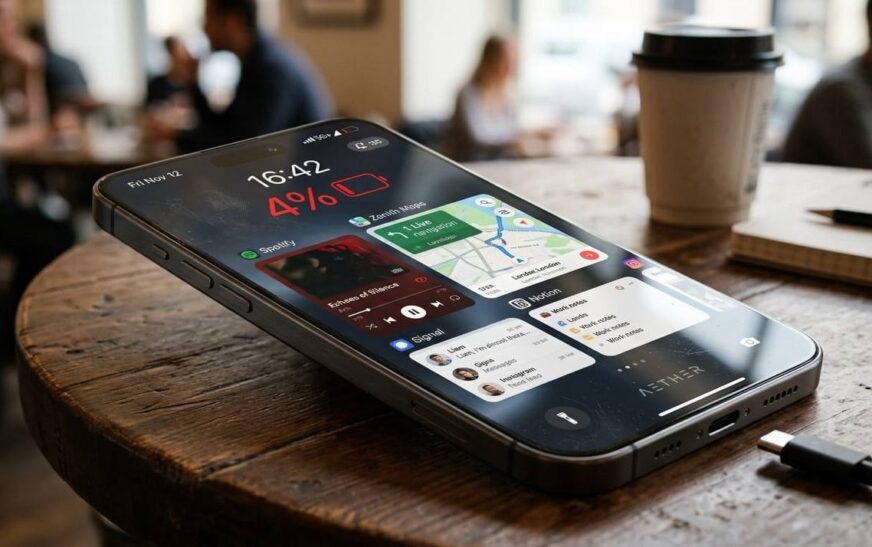
If your phone battery suddenly seems to disappear within a few hours, you’re not alone. One of the most searched smartphone problems globally is phone battery draining, and in many cases, the issue has nothing to do with having an “old phone.”
From hidden background apps to overheating and poor charging habits, several things can quietly destroy your battery life without you noticing.
The good news? Most battery drain issues can be fixed in minutes.
In this guide, we’ll break down the biggest reasons your phone battery drains fast and the best ways to improve battery life on both Android and iPhone devices in 2026.
Why Is Your Phone Battery Draining So Fast?
Smartphones today are more powerful than ever. Between AI features, high-refresh-rate displays, 5G connectivity, GPS tracking, and dozens of apps running at once, your battery works harder than older phones ever did.
But abnormal battery drain usually happens because of one or more of these common causes:
- Background apps
- High screen brightness
- Poor network connection
- Battery health degradation
- Overheating
- Software bugs
- Always-on location services
- Push notifications
- Fast refresh rate displays
- Malware or harmful apps
Let’s go through them one by one.
1. Too Many Apps Running in the Background
Many apps continue running even after you close them. Social media apps, messaging apps, fitness trackers, ride-hailing apps, and streaming platforms constantly refresh in the background.
This continuous syncing consumes battery power throughout the day.
Apps like:
- TikTok
- Snapchat
- Google Maps
are known for heavy background activity.
How to Fix It
On Android:
- Go to Settings → Battery → Battery Usage
- Restrict apps using excessive battery
On iPhone:
- Go to Settings → General → Background App Refresh
- Turn off background refresh for unnecessary apps
This alone can noticeably reduce phone battery draining.
2. Your Screen Brightness Is Too High
Your display is one of the biggest battery consumers on your phone.
Modern OLED and AMOLED displays look amazing, but high brightness levels drain power quickly, especially outdoors under sunlight.
Using maximum brightness all day can reduce battery life dramatically.
How to Fix It
- Turn on Auto-Brightness
- Reduce brightness manually indoors
- Enable Dark Mode on OLED screens
- Reduce screen timeout duration
Dark mode can help save power on OLED screens because black pixels consume less energy.
Also Read: How It Lost the Smartphone War: Why Nokia Failed
3. Poor Signal Strength Drains Battery Faster
Many people don’t realize this.
When your phone struggles to find signal, it continuously searches for nearby towers, which increases power consumption significantly.
This happens often:
- In elevators
- Underground locations
- Rural areas
- Buildings with weak reception
How to Fix It
5G can also consume more battery than Wi-Fi in weak coverage areas.
- Use Wi-Fi whenever possible
- Turn on Airplane Mode in areas with no signal
- Disable 5G temporarily if unnecessary
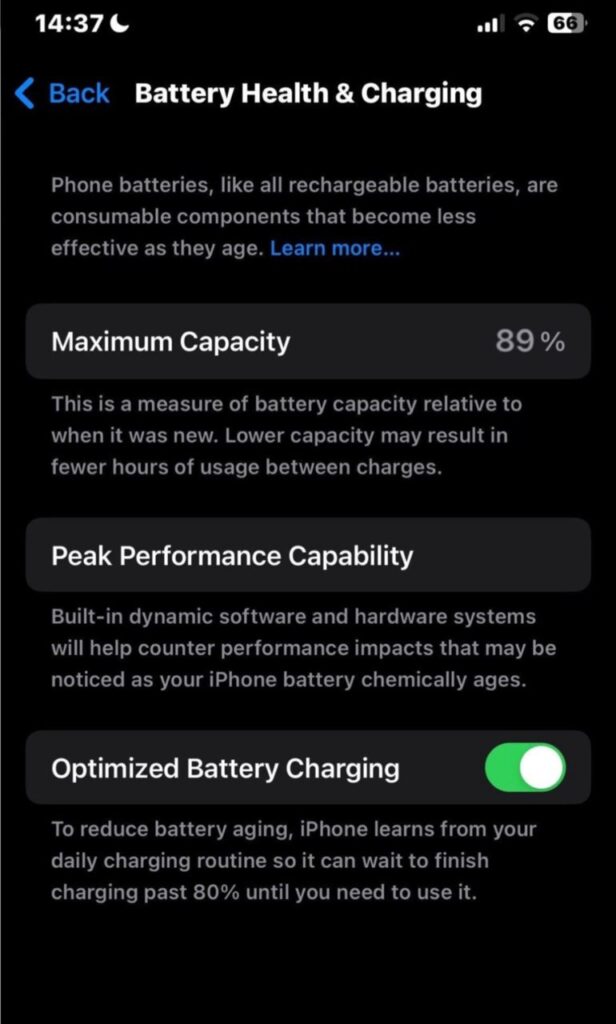
4. Your Battery Health May Be Degrading
Phone batteries naturally wear out over time.
Most lithium-ion batteries begin losing noticeable capacity after around 500 charge cycles. This means older phones may drain faster even with light usage.
Signs of poor battery health include:
- Sudden shutdowns
- Fast draining from 100% to 20%
- Phone heating excessively
- Slow charging
- Battery percentage jumping randomly
How to Check Battery Health
iPhone:
Settings → Battery → Battery Health & Charging
Android:
Some Android brands include battery diagnostics, while others require third-party battery monitoring apps.
If battery health drops below 80%, replacement may be necessary.
5. Overheating Is Destroying Your Battery
Heat is one of the biggest enemies of smartphone batteries.
Common causes include:
- Gaming for long periods
- Charging under pillows or blankets
- Using cheap chargers
- Direct sunlight exposure
- Recording 4K videos for extended periods
Excessive heat damages battery cells permanently over time.
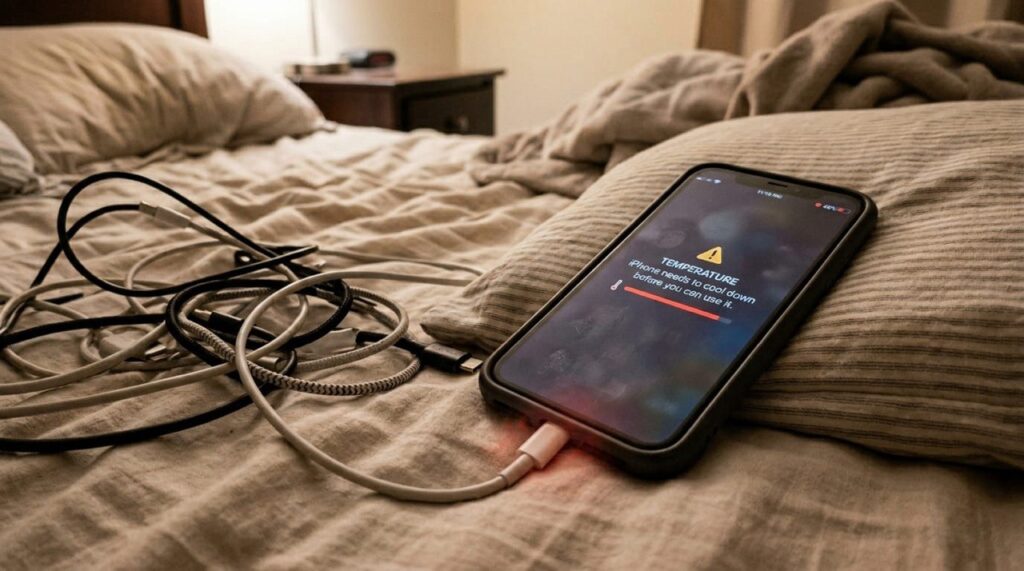
How to Prevent Overheating
- Avoid charging on beds or soft surfaces
- Remove thick phone cases while gaming
- Use certified chargers
- Keep your phone away from direct sunlight
6. High Refresh Rate Displays Consume More Power
Many modern phones now feature:
- 90Hz
- 120Hz
- 144Hz
refresh rates for smoother scrolling and gaming.
While they improve performance, they also increase battery usage.
How to Fix It
Reduce refresh rate to:
- 60Hz when battery is low
- Adaptive refresh mode if available
This can significantly reduce phone battery draining.
7. Location Services Are Constantly Active
Apps using GPS in real time consume massive amounts of power.
Food delivery apps, navigation apps, weather apps, and social media platforms frequently track location in the background.
How to Fix It
Go to Location Settings and:
- Disable “Always Allow”
- Use “While Using the App”
- Turn off precise location when unnecessary
8. Notifications and Widgets Drain Battery Quietly
Widgets constantly refresh data like:
- Weather
- News
- Sports scores
- Crypto prices
- Email updates
Frequent notifications also wake your screen repeatedly throughout the day.
How to Fix It
9. Software Bugs Can Cause Battery Drain
Sometimes the problem isn’t your battery, it’s the software.
A bad app update or buggy operating system update can suddenly increase battery usage.
Many users notice battery problems immediately after major updates.
How to Fix It
- Update apps regularly
- Install system patches
- Restart your phone occasionally
- Delete recently installed suspicious apps
If the issue started after an update, manufacturers often release fixes quickly.
10. Fast Charging and Cheap Chargers Can Affect Battery Health
Fast charging is convenient, but excessive heat from poor-quality chargers can damage long-term battery health.
Cheap or fake chargers may:
- Overheat your device
- Deliver unstable voltage
- Reduce battery lifespan
Best Charging Habits
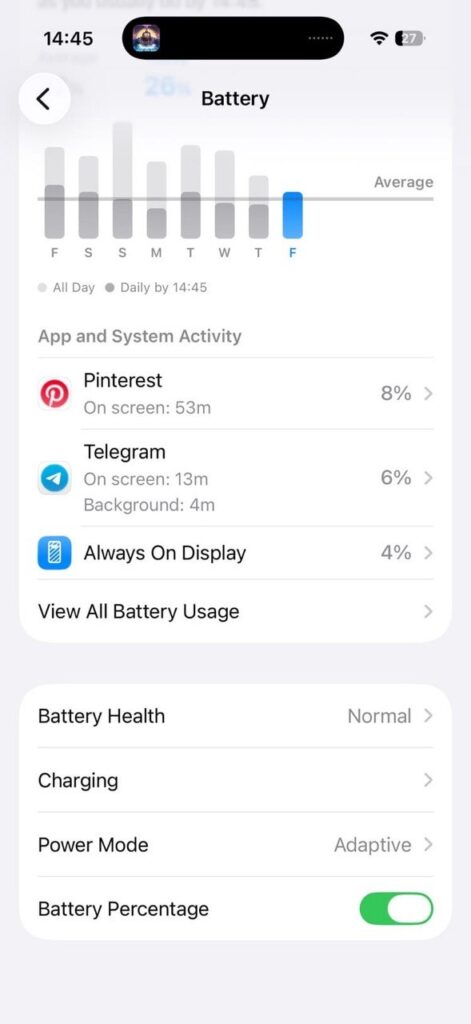
- Use original or certified chargers
- Avoid charging overnight constantly
- Keep battery between 20% and 80% when possible
- Avoid using your phone heavily while charging
Does Closing Apps Save Battery?
Not always.
Force-closing apps repeatedly can sometimes use more power because the phone must reload them from scratch.
Instead:
- Restrict background activity
- Remove problematic apps
- Restart the phone occasionally
Signs You May Need a Battery Replacement
You may need a new battery if:
- Your phone dies unexpectedly
- Battery drains extremely fast daily
- Phone overheats constantly
- Charging becomes unreliable
- Battery health is below 80%
Replacing the battery is often cheaper than buying a new phone.
Best Battery-Saving Tips for 2026
Here are the most effective battery-saving habits:
- Lower screen brightness
- Use battery saver mode
- Turn off unused Bluetooth and GPS
- Reduce refresh rate
- Limit background apps
- Use Wi-Fi when possible
- Keep software updated
- Avoid overheating
- Use original chargers
- Remove battery-draining apps
Final Thoughts
Phone battery draining issues are frustrating, but in most cases, the problem can be fixed without replacing your device.
Simple changes like reducing background activity, lowering brightness, managing location settings, and avoiding overheating can dramatically improve battery life.
And if your battery health has already degraded significantly, replacing the battery may give your phone a second life without the cost of buying a brand-new device.
As smartphones become more powerful in 2026, battery optimization matters more than ever.
FAQ
Why is my phone battery draining even when I’m not using it?
Background apps, weak signal strength, notifications, and location services can continue consuming power even when the phone is idle.
Does dark mode really save battery?
Yes, especially on OLED and AMOLED screens, where black pixels consume less energy.
Can overheating permanently damage a phone battery?
Yes. Excessive heat can permanently reduce battery capacity and lifespan.
Is fast charging bad for batteries?
Modern fast charging is generally safe with certified chargers, but excessive heat from poor-quality chargers can affect long-term battery health.
How long should a smartphone battery last?
Most smartphone batteries maintain good performance for around 2–3 years before noticeable degradation begins.
Similar Read: Binatone Rechargeable Fans: A Reliable Alternative to Generators in Nigeria